

 Clement Brako Akomea
 Table of Contents
Blogger accounts face increasing threats from cybercriminals using phishing attacks, password breaches, and automated hacking tools. Without adequate protection, your blog and personal data remain vulnerable to unauthorized access.
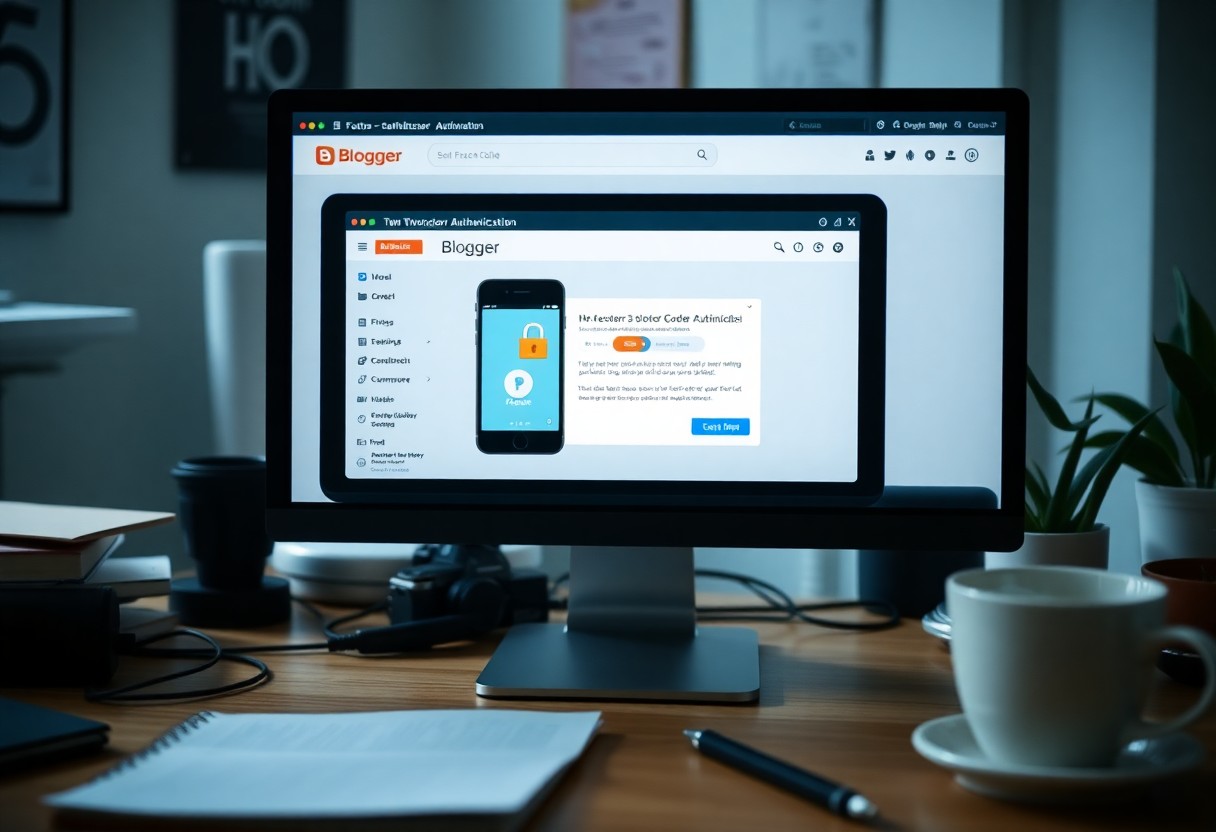
Two-factor authentication for blogger accounts provides essential protection by requiring two forms of verification: your password and a code sent to your phone or authenticator app. This dual-layer approach significantly reduces unauthorized access risks, even when passwords are compromised.
Enabling Two-factor authentication for blogger accounts creates a strong barrier that protects your content and personal information. This proactive security measure provides peace of mind, allowing you to focus on creating and sharing valuable content with your audience.
Key Takeaways:
- Two-factor authentication for blogger accounts adds vital security by requiring a password and verification code, significantly reducing unauthorized access and protecting your content from potential breaches.
Understanding Two-Factor Authentication
Implementing two-factor authentication (2FA) dramatically enhances the security of your Blogger account. This method combines something you know, like your password, with something you have, such as a smartphone, to verify your identity.
You have to be aware of the security and privacy settings every blogger should consider, for it’s imperative to understand the basics and benefits of this protective measure.
Definition of Two-Factor Authentication
Two-factor authentication (2FA) is a security protocol that requires two different verification methods from users to access their accounts. Typically, this involves entering a password followed by a dynamic code sent to your mobile device or generated by an authentication app.
This layered approach minimizes the risk of unauthorized access.
Importance in Cybersecurity
Adopting two-factor authentication for blogger accounts, or for any platform, significantly strengthens your overall cybersecurity posture. Cyber threats are continually evolving, and single passwords are often insufficient to deter skilled hackers.
By requiring multiple forms of verification, you significantly reduce the chances of your blog being compromised, even if your password is leaked.
Cybercriminals increasingly target online accounts, making them a common source of data breaches. In fact, the 2022 Cybersecurity Report revealed that organizations with 2FA enabled experienced 90% fewer account takeover attempts.
This statistic underscores how adding another layer of security helps deter attackers, safeguarding not just your Blogger account but also your reputation and your readers’ trust.
With 2FA, you can focus on creating content, knowing that your account is well-protected against unauthorized access.
Benefits of Two-Factor Authentication for Bloggers
Utilizing two-factor authentication (2FA) for your Blogger account enhances security and provides a robust defense against cyber threats.
The process requires you to verify your identity through a secondary mechanism, significantly reducing the risk of unauthorized access.
By adopting 2FA, you’re not only protecting your content but also reinforcing trust with your audience, ensuring they feel secure engaging with your blog.
Enhanced Account Security
Implementing 2FA fortifies your account by adding a verification step beyond your password. With phishing attacks on the rise, relying solely on a password is no longer sufficient.
A secondary verification method, such as a text message or authenticator app, drastically decreases the likelihood of account breaches.
Protection Against Unauthorized Access
Two-factor authentication serves as a barrier against unauthorized access attempts, significantly raising the stakes for potential intruders. Even if someone acquires your password, they would still not have the second factor to access your account.
This added layer of protection effectively safeguards your content and personal information from cybercriminals.
For instance, a blogger without 2FA may find their account compromised after a weak password is exposed in a data breach. In contrast, when using 2FA, that same hacker would encounter a roadblock at the verification stage.
The additional hurdle makes it substantially more challenging for anyone to impersonate you, keeping your blog and its resources secure from malicious intent.
How to Set Up Two-Factor Authentication
Setting up two-factor authentication (2FA) for your Blogger account is important for enhancing your security. It provides an additional layer of protection beyond just your password.
To understand the importance of implementing two-factor authentication, follow these steps to enable this feature effectively.
Step-by-Step Setup Guide
StepAction
| 1 | Log into your Blogger account and go to the Settings menu. |
| 2 | Select “Security” and find the “Two-Factor Authentication” option. |
| 3 | Click “Enable” and follow the prompts to link your phone number or authentication app. |
| 4 | Verify your method by entering the code sent or generated. |
| 5 | Confirm your settings and log out and back in to test. |
Choosing the Right Authentication Method
Selecting the right authentication method is pivotal to maximizing the effectiveness of two-factor authentication. You can choose from various options, such as SMS text messages, authenticator apps, or hardware keys, each with different levels of security and convenience.
For instance, an authenticator app is typically more secure than SMS, which is vulnerable to interception.
While SMS is convenient, it is not the most secure option, as it is susceptible to phishing attacks and SIM swapping. Authenticator apps, like Google Authenticator or Authy, provide time-based codes that change every 30 seconds, making it difficult for unauthorized access.
Hardware security keys offer the highest security, requiring a physical device to approve access. Evaluate your needs and select the method that balances security with usability. Should you prioritize ease of use over security or vice versa?
Consider your digital landscape carefully when making this choice.
Common Challenges and Solutions
Implementing Two-Factor Authentication (2FA) for your Blogger account can present challenges, but identifying these hurdles and offering solutions can ease the transition. One significant challenge is overcoming user resistance, often stemming from misunderstandings about 2FA’s purpose.
Additionally, technical issues may arise, requiring support and guidance to ensure a seamless experience.
User Resistance and Misunderstandings
Many users hesitate to enable 2FA due to a lack of understanding about its benefits. They may perceive it as an inconvenience rather than a necessary security enhancement.
Clarifying how 2FA significantly mitigates risks of unauthorized access helps shift this mindset, making the process more acceptable.
Technical Issues and Support
Technical difficulties can deter users from adopting 2FA. Issues such as compatibility with devices or account lockouts can lead to frustration.
Ensuring that reliable support resources are available, like step-by-step guides or responsive help desks, can provide users with the reassurance they need to implement 2FA successfully.
To effectively tackle these technical challenges, having a dedicated support team or comprehensive FAQs tailored for 2FA can prove invaluable. Clear documentation that outlines common installation issues and troubleshooting steps empowers users to resolve problems independently.
Furthermore, providing tips on how to recover accounts in case of locked 2FA authenticator apps can alleviate anxiety surrounding the process, encouraging widespread adoption of this vital security feature.
Best Practices for Maintaining Blogger Account Security
To ensure the safety of your Blogger account, adopting best practices is important. Consistently implementing effective strategies such as utilizing strong passwords, enabling two-factor authentication, and reviewing your security settings can significantly reduce the risk of unauthorized access.
Regular maintenance and vigilance in your account practices will fortify your online presence and protect your valuable content.
Regular Security Audits
Conducting regular security audits on your Blogger account allows you to identify vulnerabilities and strengthen your defenses. +
By reviewing your account activity, evaluating permissions for users, and checking for unfamiliar devices, you can act quickly to mitigate risks and prevent breaches.
Keeping Software Updated
Updating your software is a fundamental aspect of maintaining account security. Ensure that both your blog platform and any associated tools, such as plugins or themes, are regularly updated.
This practice helps protect against the latest threats, as updates often include security patches that fix known vulnerabilities.
Failure to keep your software updated can leave your Blogger account exposed to attacks. For instance, a significant portion of successful cyberattacks exploits outdated software, which may contain security flaws that hackers target.
By implementing automatic updates or scheduling time to manually check for updates, you protect your blog from potential risks.
Additionally, staying informed about industry news can alert you to specific vulnerabilities within the tools you use, allowing you to take immediate action when necessary.
The Future of Two-Factor Authentication
The landscape of two-factor authentication is evolving rapidly as new threats emerge and technology advances. You can expect greater integration of biometrics, such as facial recognition and fingerprint scanning, which provide a seamless user experience while enhancing security.
As organizations seek to stay ahead of cybercriminals, shifting towards more adaptive and context-aware authentication methods will become commonplace, ensuring your Blogger account remains secure against future threats.
Emerging Technologies
In security, emerging technologies like blockchain are beginning to play a role in authentication processes. By decentralizing user credentials, you can reduce the risk of data breaches significantly.
Companies are exploring the implementation of smart contracts that verify user identities while maintaining privacy, leading to a potentially more secure environment for your Blogger account.
Trends in Online Security
Staying updated with trends in online security is imperative for safeguarding your digital presence. The shift toward zero-trust security models is gaining traction, where every access request is thoroughly vetted regardless of origin.
This kind of approach, alongside AI-driven threat detection, will likely redefine how you manage your Blogger account’s security.
Zero-trust security relies on continuous verification, which is particularly beneficial in light of the rise in sophisticated cyberattacks. By enhancing verification processes for each access request, this model ensures that threat actors cannot exploit vulnerabilities as easily.
In tandem with machine learning, which analyzes behavior patterns to preemptively block suspicious activities, you can leverage these innovations to maintain robust security for your Blogger account and stay ahead of potential threats.
Final Words
With these considerations, implementing two-factor authentication for your blogger account significantly enhances the security of your content and personal information. By requiring a second form of verification, you minimize the risk of unauthorized access, providing you with peace of mind.
Ensuring your blog is protected against potential threats not only safeguards your work but also maintains the trust of your audience. Take the necessary steps to enable this feature and strengthen your account’s defenses, thereby contributing to a safer blogging environment.
FAQ
What is Two-Factor Authentication (2FA) for Blogger accounts?
- Two-Factor Authentication (2FA) adds an extra layer of security to your Blogger account by requiring not only your password but also a second piece of information, typically a code sent to your mobile device or generated by an authentication app.
How does Two-Factor Authentication enhance security for Blogger accounts?
- 2FA enhances security by making it more difficult for unauthorized users to access your account, even if they possess your password. The additional verification step acts as a barrier against potential hacking and phishing attempts.
How can I enable Two-Factor Authentication for my Blogger account?
- To enable 2FA, go to your Google Account settings, navigate to the Security section, and select “2-Step Verification.” Follow the prompts to set up the authentication method of your choice, such as SMS codes or authentication apps.
What should I do if I lose access to my two-factor authentication method?
- If you lose access to your 2FA method, you can use backup codes if you generated them previously. Alternatively, you may have options for account recovery, such as answering security questions or receiving assistance from Google support.
Will Two-Factor Authentication affect my login experience on Blogger?
- Yes, enabling 2FA will change your login experience. Users will need to enter their password and then complete the second verification step each time they log in, which may take slightly longer but significantly increases account security.




