

 CSC News
 Table of Contents
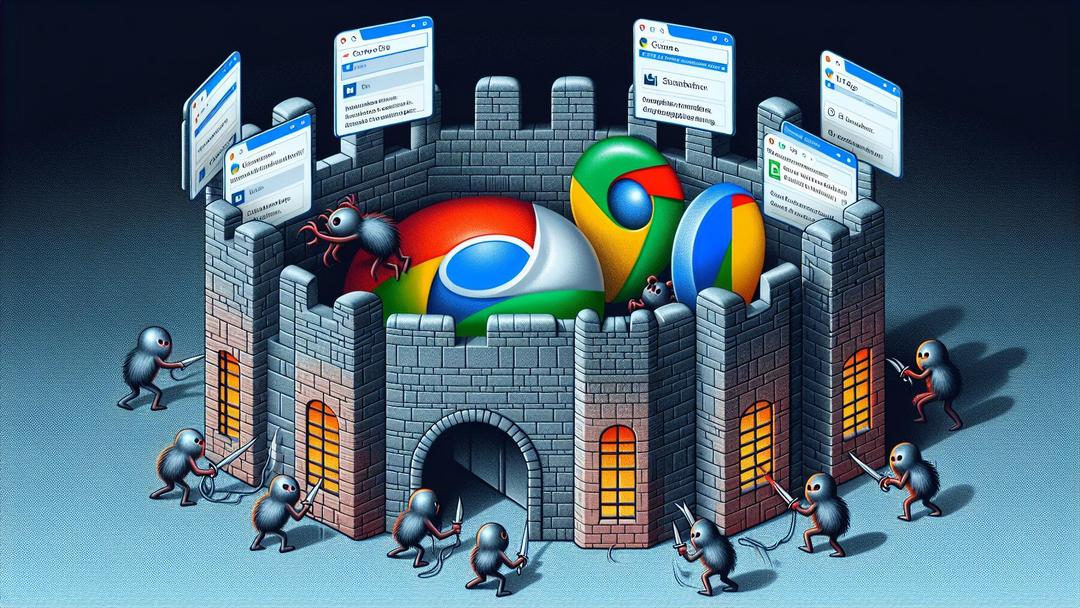
Malicious browser extensions are under scrutiny after researchers found Chrome and Edge add ons that tracked users and enabled covert remote access. SecurityWeek reports the extensions harvested browsing data and contacted command and control infrastructure. Google and Microsoft removed the flagged listings from their stores.
The extensions requested broad permissions, loaded remote scripts, and altered behavior after installation. Researchers said these actions created browser extension backdoors that could persist across sessions.
Impacted users should uninstall suspicious add ons, reset browser settings, and rotate passwords for any accounts accessed in affected browsers.
Malicious Browser Extensions: What You Need to Know
- Researchers uncovered Chrome and Edge add ons that tracked users and created browser extension backdoors before takedown.
- Bitdefender: blocks malware, trackers, and suspicious add ons.
- 1Password: secure vaults and phishing protection for safer logins.
- iDrive: encrypted backups to safeguard files if a browser is compromised.
- Optery: removes personal data from broker sites targeted by trackers.
- Passpack: password manager with sharing controls and breach alerts.
- Tenable: risk insights to identify browser driven attack paths.
- Auvik: network monitoring that can flag unusual beaconing and C2 traffic.
How the Threat Unfolded
According to the reporting, investigators identified Chrome and Edge extensions that requested excessive permissions, phoned home to remote servers, and pulled additional code post-install.
This aligns with a common pattern where seemingly benign add ons transition into malicious browser extensions through remote configuration or silent updates.
In practical terms, malicious browser extensions can surveil web activity, inject content, steal session tokens, or redirect searches. In this campaign, the add-ons created pathways for remote control, acting as browser extension backdoors.
That access allowed attackers to persist and potentially pivot into accounts or other systems.
Why Chrome and Edge Users Were at Risk
Chrome and Edge share a Chromium code base, so the same logic often runs identically in both. This makes cross-platform campaigns efficient and increases the reach of malicious browser extensions.
The extensions tracked user activity and set up remote access channels, extending risk beyond ad abuse or click fraud.
The campaign underscores a growing concern. Chrome Edge extensions tracking users are not only a privacy issue, they can also enable account takeover and lateral movement.
Attackers can mine browsing data, capture keystrokes, and manipulate sessions with minimal user visibility.
What the Vendors Did
After disclosure, Google and Microsoft removed the listed extensions. Users should still audit installed add-ons and review permissions. Google documents extension security expectations and enforcement on the Chrome Web Store policy page.
Microsoft provides guidance and technical documentation for Edge on its official documentation site.
Technical Traits We’re Seeing
Threat actors frequently ship minimal features, then expand capabilities via remote configuration.
The identified behavior included command and control traffic and post install changes, hallmarks of malicious browser extensions designed for stealth and persistence.
Typical Backdoor Tactics
Many malicious browser extensions share traits that make them hard to detect:
- Permission creep, starting with minimal access then adding broader privileges
- Remote script loading, executing live code fetched from attacker servers
- Stealthy beacons, low and slow C2 traffic that blends with normal browsing
- Session access, scraping tokens or form data from visited sites
Defenses That Help
Enterprises can reduce exposure by enforcing strict extension allowlists, least privilege policies, and egress monitoring to catch unusual browser activity.
Consumers should maintain careful extension hygiene, use reputable anti malware, and rely on password managers to limit fallout from malicious browser extensions.
For context on past Chrome threats, see an exploited Chrome zero day and learn how criminals monetize stolen data in dark web risk guides.
Wider Context and Best Practices
This case reinforces the need to vet every extension, even those from official stores. Attackers often weaponize legitimate features into malicious browser extensions by abusing permissions and remote updates.
If affected, change passwords, enable multifactor authentication, and review account activity.
Password managers help rotate credentials quickly and reduce reuse. See our review of 1Password and explore identity cleanup options in our Optery review. Government and industry guidance continues to stress safe extension practices.
The U.S. Cybersecurity and Infrastructure Security Agency publishes timely advisories at CISA Alerts.
Security Implications: Weighing the Impact
Advantages: Swift takedowns by Google and Microsoft reduce exposure and limit further spread of malicious browser extensions. Public disclosure prompts audits of installed add-ons, tighter enterprise policies, and improved telemetry.
Clear vendor policies and enforcement raise the bar for developers and help protect users from browser extension backdoors.
Disadvantages: Once installed, malicious browser extensions can persist, harvest data, and quietly manipulate sessions. Store removals do not automatically uninstall the add ons from affected devices.
The shared Chromium base allows attackers to scale a single code base across Chrome and Edge, magnifying the reach of browser extension backdoors and Chrome Edge extensions tracking users.
- Bitdefender: blocks trackers, malware, and high risk add ons.
- 1Password: strong MFA integration and phishing resistant logins.
- iDrive: roll back files if malicious add ons tamper with data.
- Optery: reduce exposed personal data targeted by trackers.
- Passpack: accelerate credential rotation after incidents.
- Tenable: identify risks that originate in the browser and spread.
Conclusion
The takedown illustrates how quickly malicious browser extensions can turn routine browsing into a security event. Official stores reduce risk but cannot eliminate it.
Adopt a zero trust approach to add ons. Restrict what is allowed, review permissions, and monitor for suspicious network activity linked to browser extension backdoors.
If compromise is suspected, remove the extension, reset settings, and change passwords. Continuous auditing and layered defenses remain the best counter to malicious browser extensions.
Questions Worth Answering
How do I identify a malicious extension?
Watch for unfamiliar names, excessive permissions, new ads or redirects, and unusual CPU or network use. When in doubt, remove it and scan your system.
What should I do after installing a suspicious add-on?
Uninstall it, clear cookies, reset browser settings, run a malware scan, and change passwords for accounts accessed in that browser.
Do store removals protect existing users?
Removals block new installs but rarely uninstall existing ones. Manually remove the extension from your browser.
Why were Chrome and Edge both hit?
They share a Chromium foundation, which lets attackers reuse code across both platforms for malicious browser extensions.
Which permissions are most dangerous?
Full access to all sites, clipboard access, downloads, webRequest, and any capability that enables remote code loading.
How do password managers help after an incident?
They reduce password reuse, speed up rotation, and add phishing protection that limits account takeover via browser extension backdoors.




